Run your restaurant from one screen, not five apps
Wallhanger brings orders, the kitchen, your menu, inventory, staff, reservations and reports into a single system — built for how a real service actually moves.
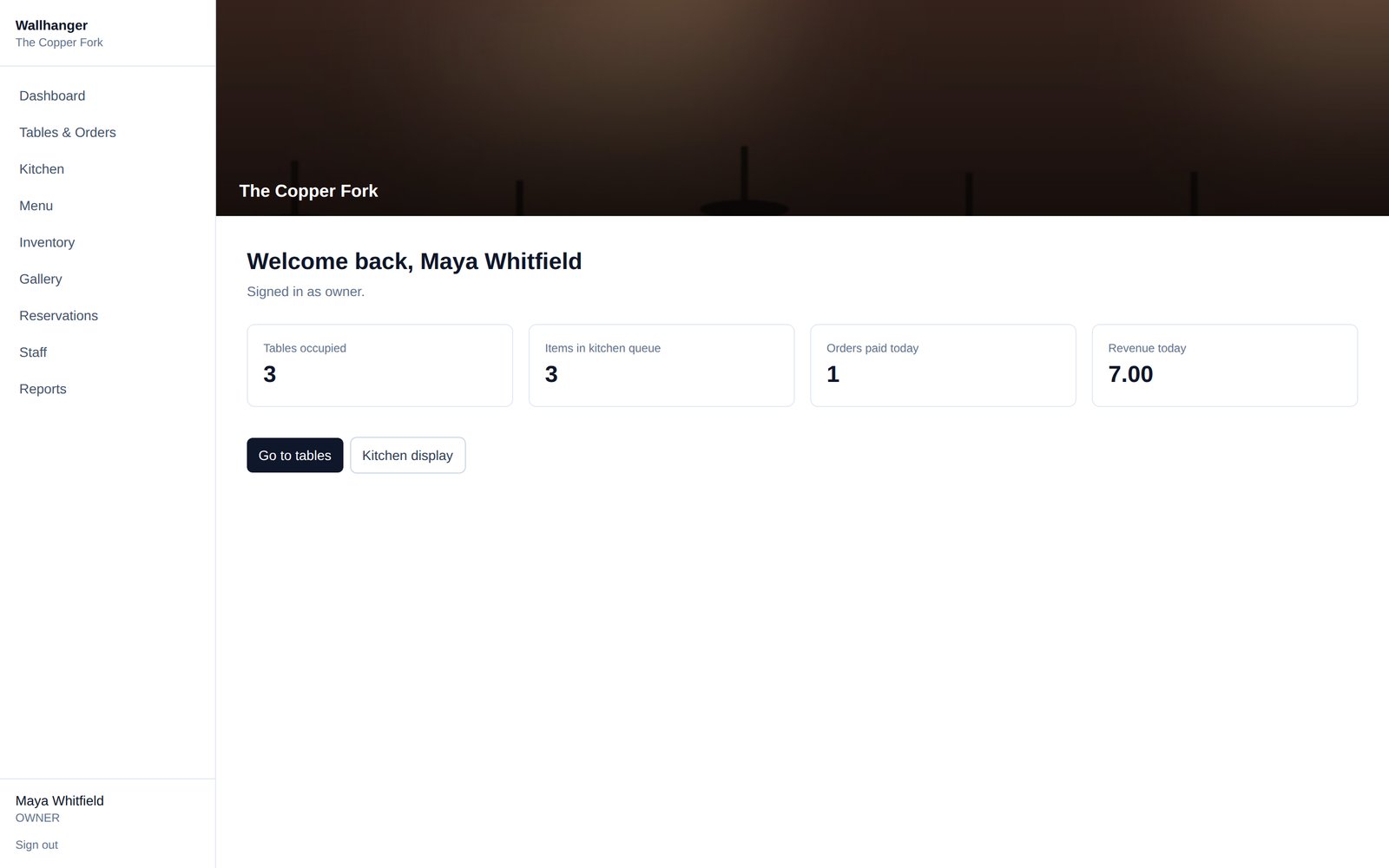
Tables and orders, built for speed
Tap a table to start an order, add items in seconds, and take payment without leaving the screen.
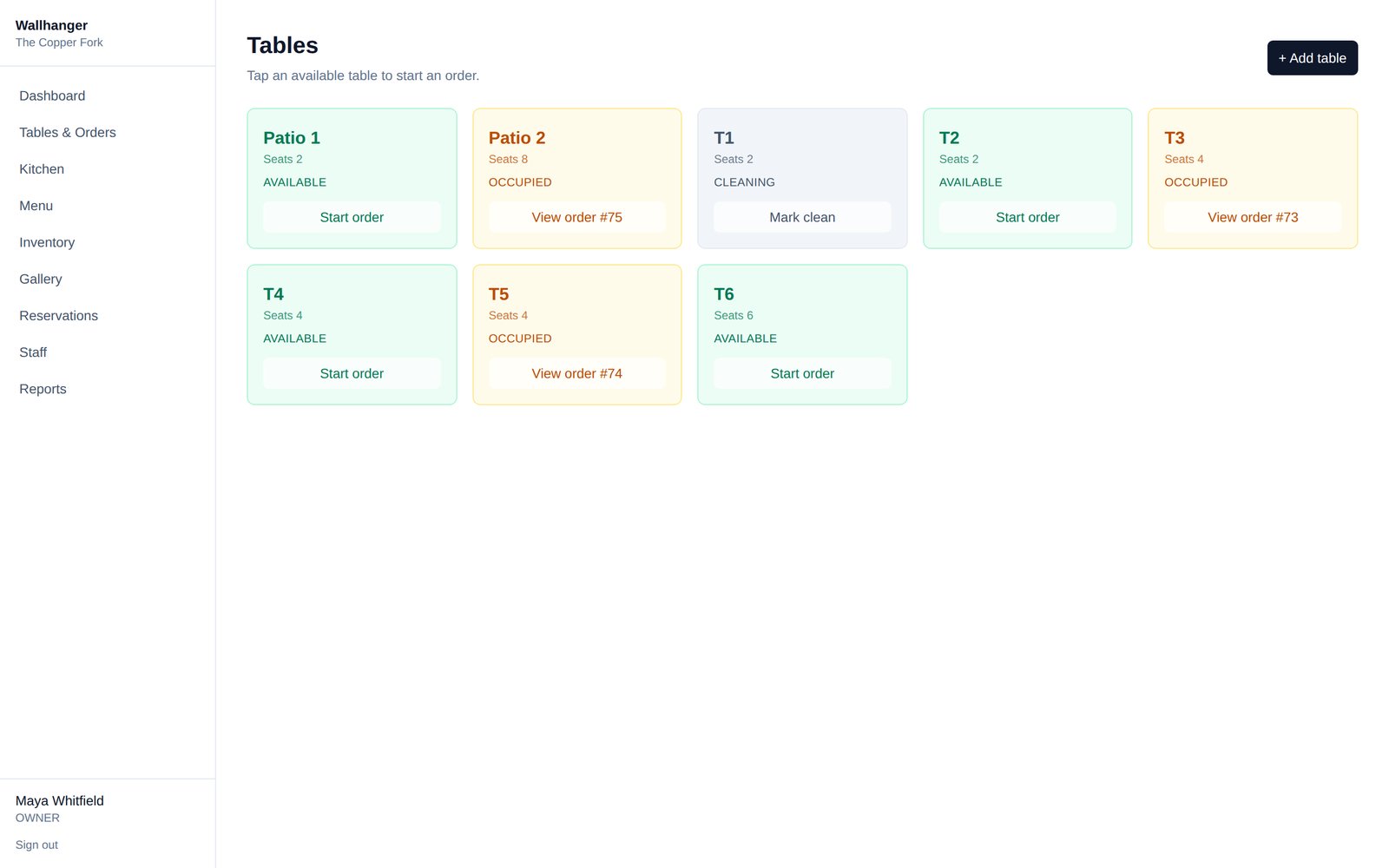
See every table at a glance
Color-coded status for available, occupied, reserved and cleaning — tap through to the live order in one move.
- Start an order directly from the floor view
- Jump straight to any table's open order
- Mark tables clean and ready for the next seating
The kitchen always knows what's next
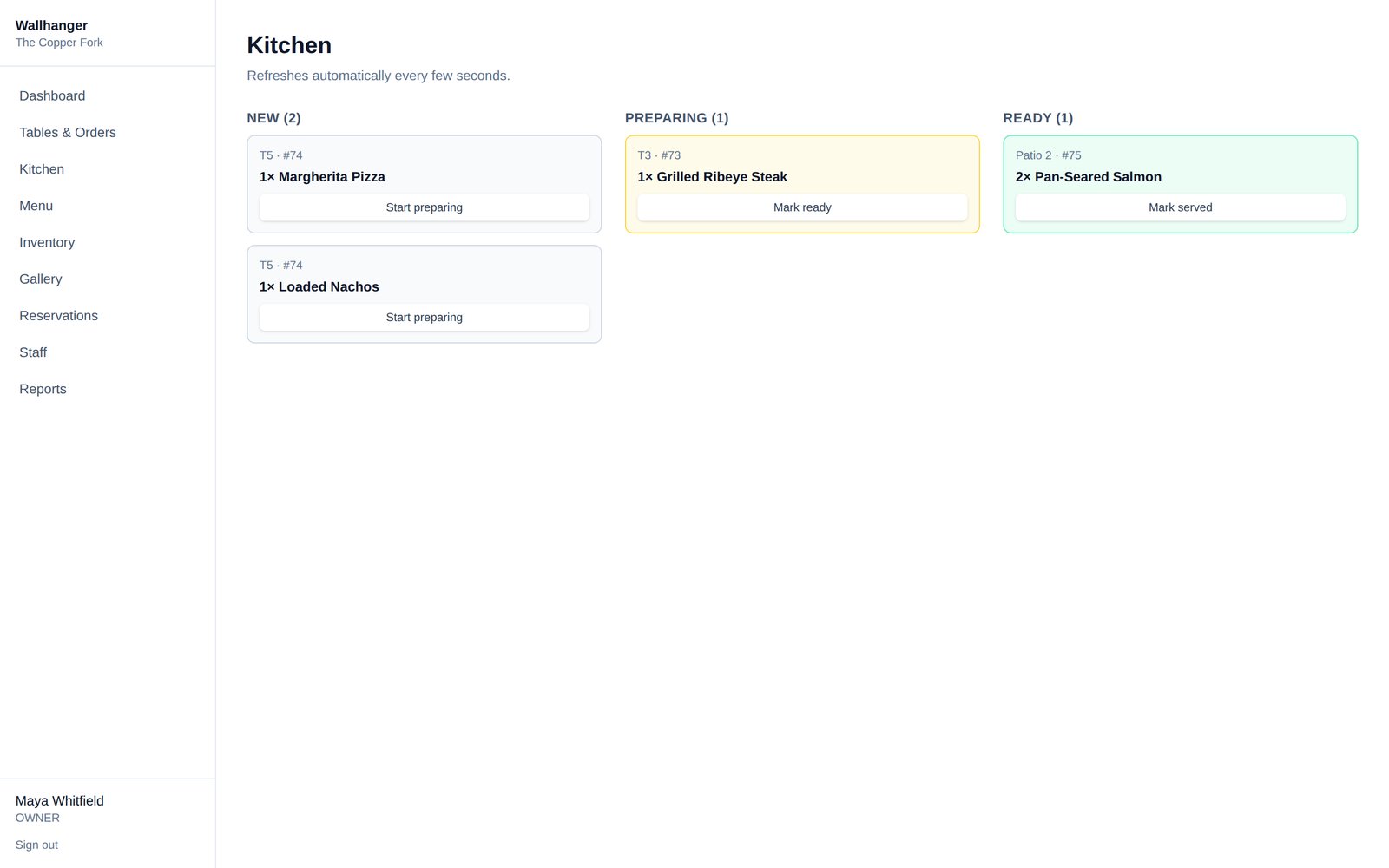
Orders route straight to the kitchen screen the moment they're fired — no tickets, no shouting across the pass.
- New, preparing and ready columns, live
- Refreshes automatically — no manual reloads
- One tap moves an item to the next stage
A menu that actually looks like your food
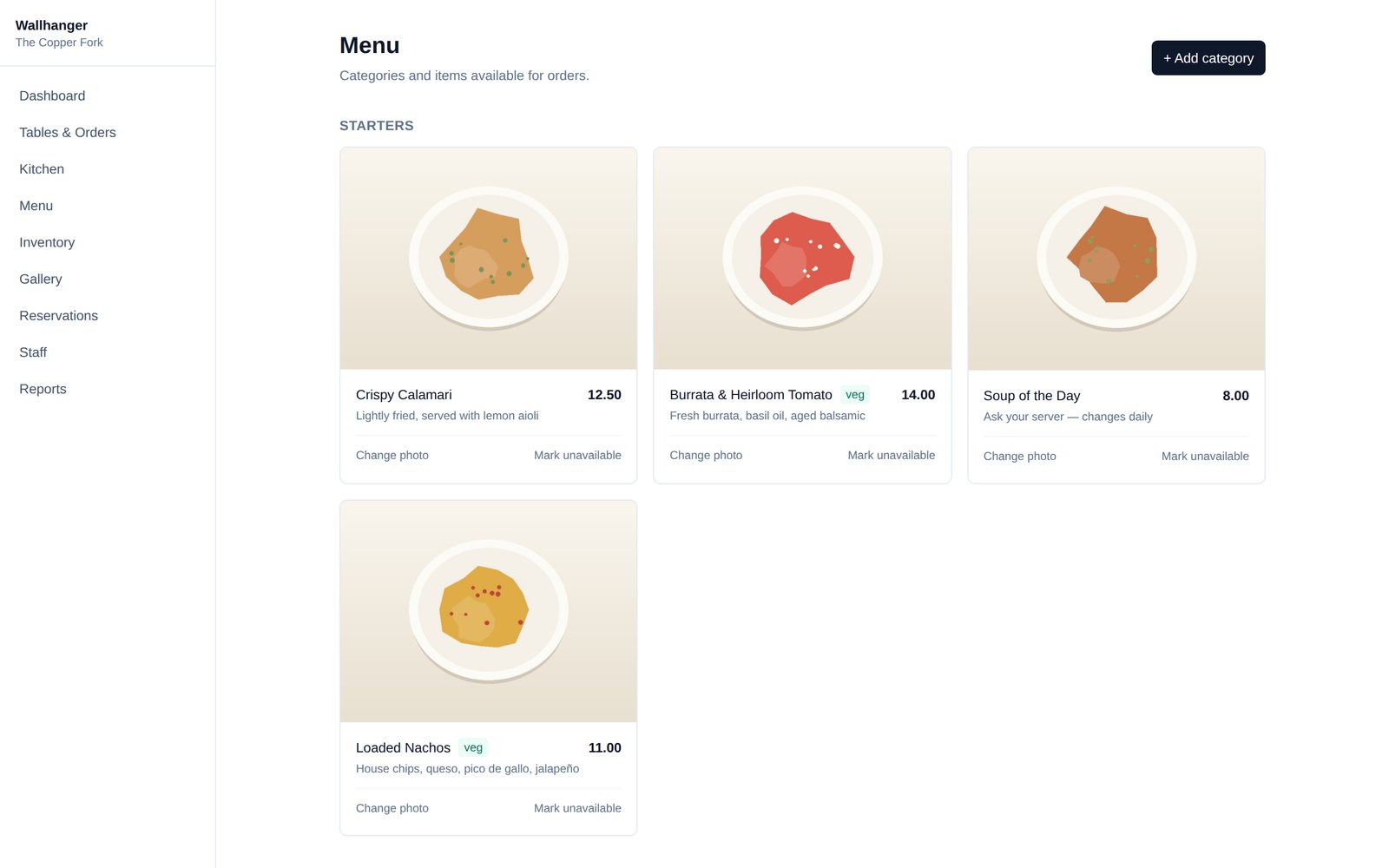
Upload real photos of every dish. Guests order with their eyes — give staff and customers something worth looking at.
- Photo upload for every menu item
- Mark items unavailable in one tap when you 86 something
- Organize by category, tag vegetarian dishes
Know what's actually working
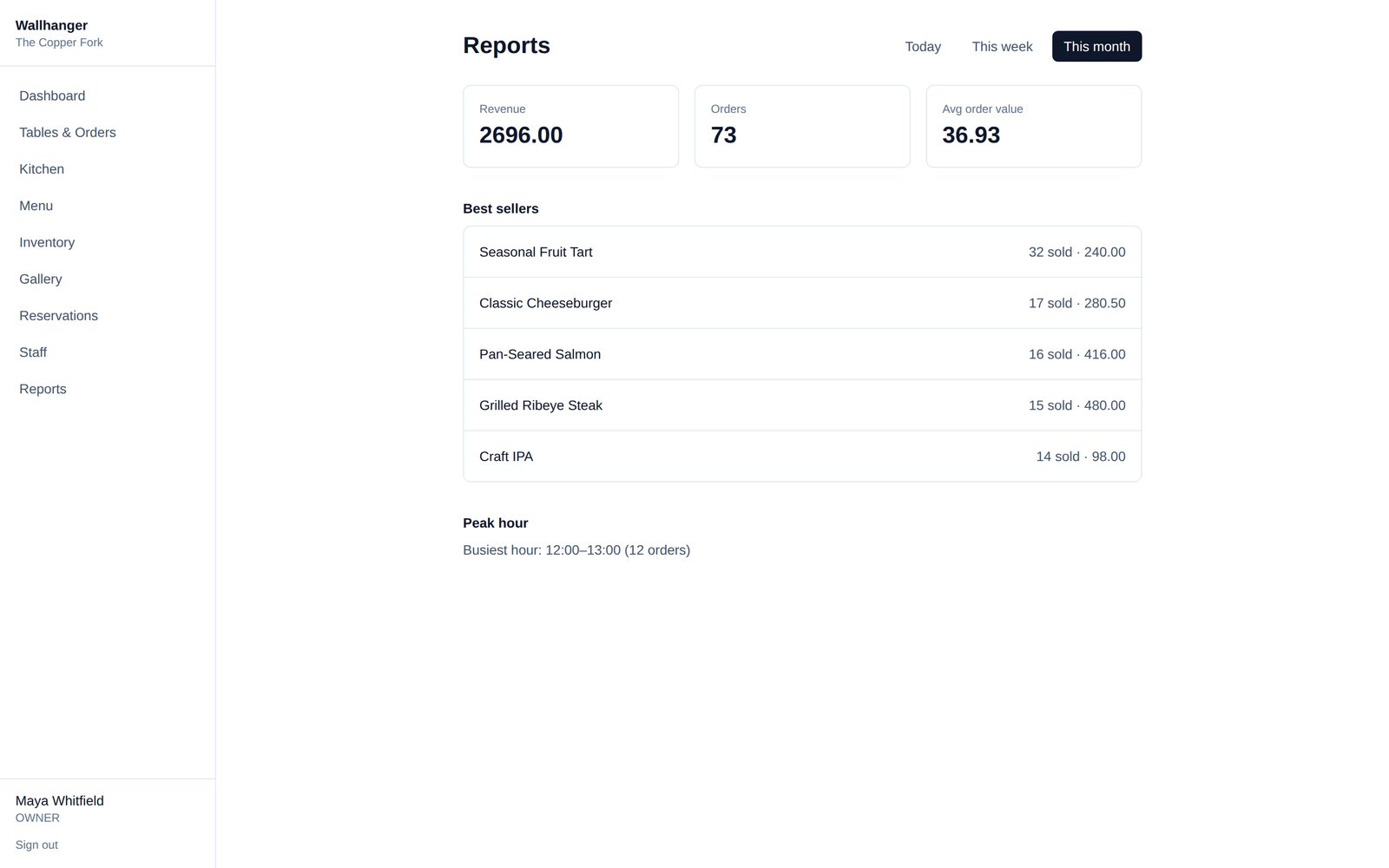
Revenue, order counts, best sellers and peak hours — today, this week, or this month, without exporting a spreadsheet.
- Best-selling dishes ranked by quantity and revenue
- Peak hour breakdown so staffing matches demand
- Switch ranges instantly — today, week, month
Stock levels and your space, in the same place
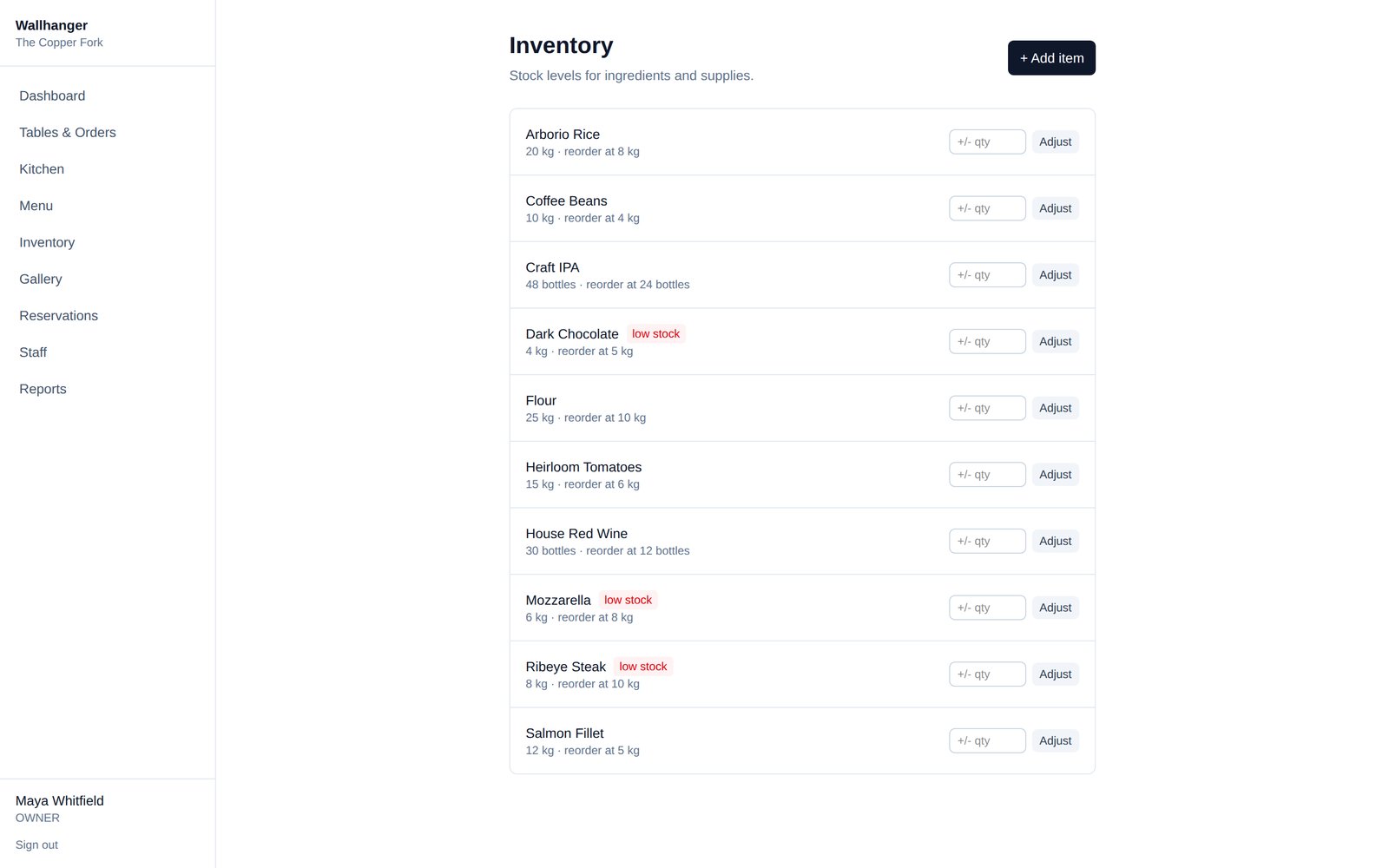
Track ingredients against reorder thresholds, and keep a real photo gallery of your dining room, bar and patio for staff and marketing alike.
- Low-stock flags before you run out mid-service
- Quick +/- stock adjustments
- Cover photo and ambience gallery, uploaded by your team
Everyone gets exactly what they need — nothing they don't
Owner
Full visibility, every module, all locations.
Manager
Runs daily operations and staff.
Waiter
Tables, orders, reservations.
Chef
Kitchen display, nothing else in the way.
Cashier
Orders and checkout, fast.
Wallhanger is new. We're not going to pad this page with fabricated reviews or client logos to look more established than we are. What you see above is the real, working product — the screenshots are our own demo restaurant, not mockups.
Try it on a demo restaurant first
Explore a fully populated sample account — menu, tables, live orders, reports, all real — before you set up your own.